
E-Learning Platform Decision Tool
Select your primary goal to find the right technology camp:
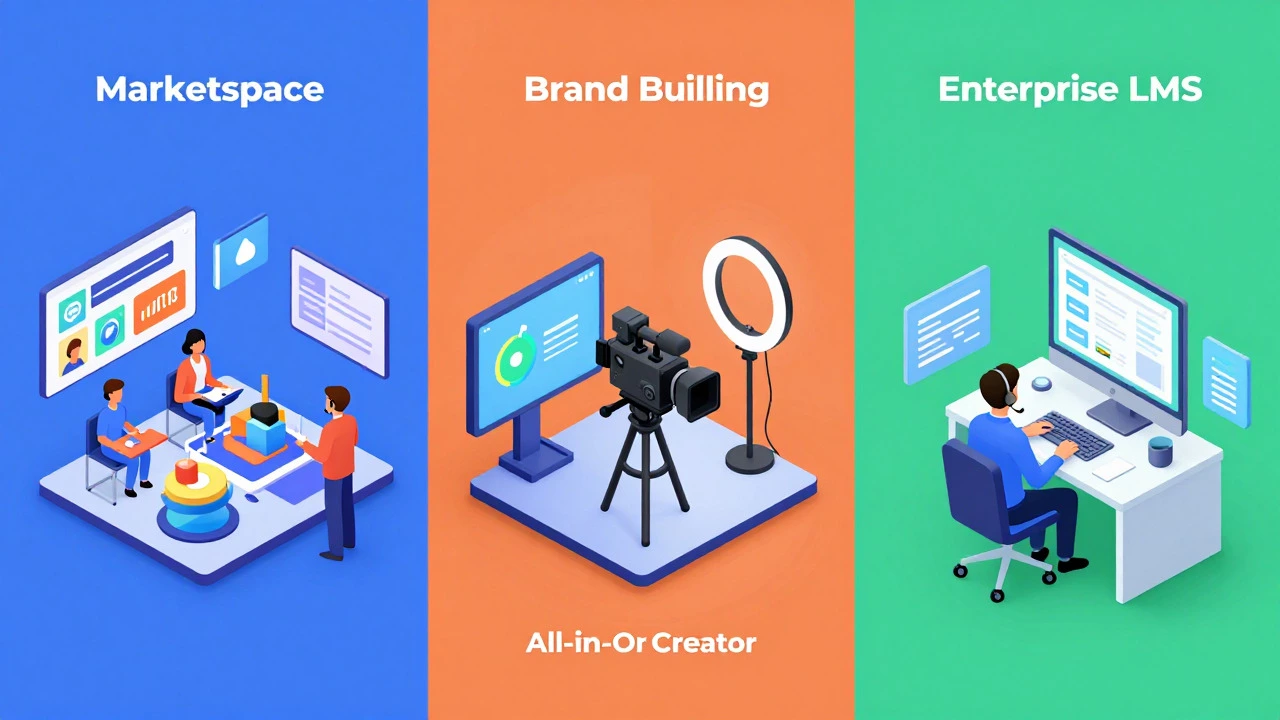
Marketplace
I have content but no audience. I want immediate traffic.
Course Creator
I have an audience. I want to build a brand and sell directly.
Enterprise LMS
I need compliance tracking, HR integration, and internal training.
Stop scrolling through endless lists of "top" platforms. The truth is, there is no single best e-learning platform for everyone. If you are a solo creator trying to sell your first digital course, the same tool that helps a Fortune 500 company train its workforce will likely bankrupt you with monthly fees and unnecessary complexity.
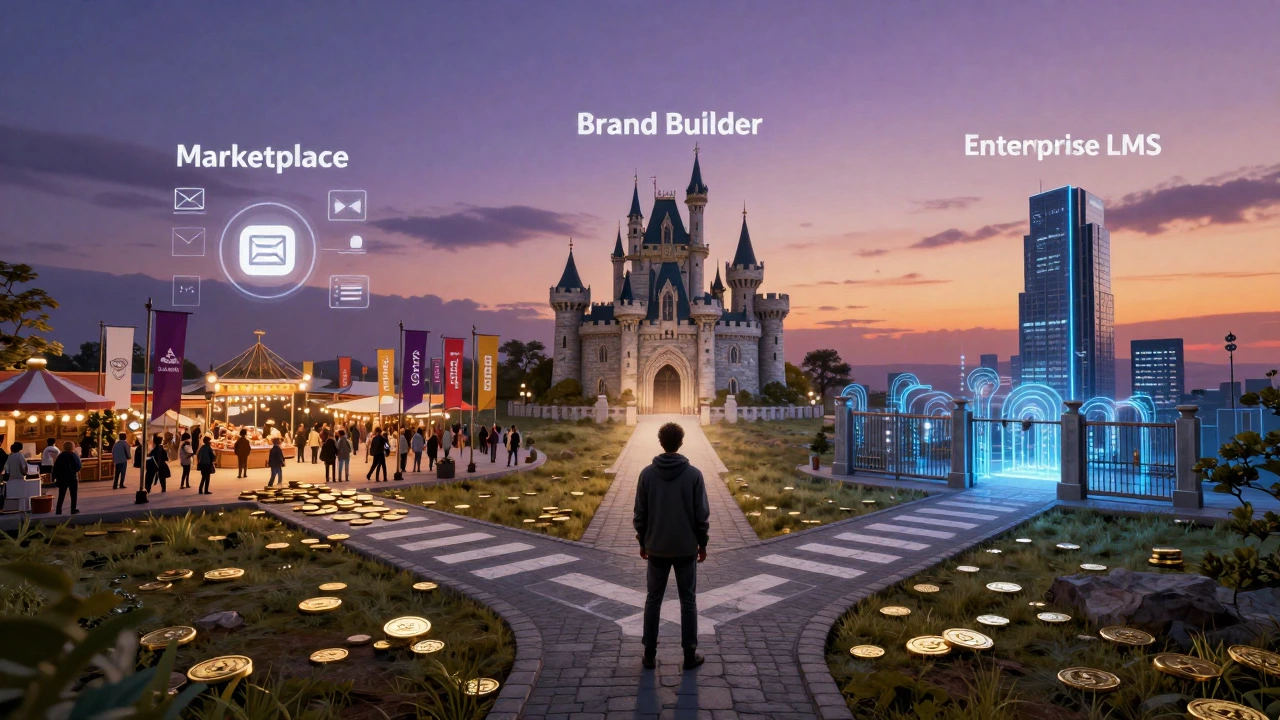
The real question isn't "which is best?" It is "which fits your specific job?" Are you building a community around a niche hobby? Training sales reps on compliance? Or launching a university-level certification? Your answer dictates the technology stack. In 2026, the market has split clearly into three distinct camps: marketplace giants, all-in-one course creators, and enterprise-grade Learning Management Systems (LMS). Picking the wrong camp means wasting months on migration later.
Understanding the Three Types of E-Learning Platforms
Before comparing features, you need to categorize the tool. Most confusion comes from comparing apples to oranges-like comparing Udemy is a public marketplace where instructors upload courses to reach an existing audience against Moodle is an open-source LMS designed for institutions to host their own private content. They solve completely different problems.
1. Marketplaces (The Traffic Model)
Platforms like Udemy and Skillshare bring the students to you. You don't need marketing skills, but you lose control over pricing and customer data. These are best for beginners who have content but zero audience.
2. All-in-One Course Creators (The Brand Model)
Tools like Teachable, Thinkific, and Kajabi let you build a branded school. You bring the traffic; they handle the hosting, payments, and video streaming. This is the sweet spot for most coaches, consultants, and influencers.
3. Enterprise LMS (The Compliance Model)
Systems like Cornerstone OnDemand or Docebo focus on tracking, reporting, and integration with HR software. They are rarely used for selling courses to the public. They are built for internal training, onboarding, and regulatory compliance.
Top Contenders for Course Creators and Coaches
If you are looking to monetize knowledge directly, these are the heavy hitters in 2026. Each has a different philosophy regarding flexibility versus ease of use.
| Platform | Best For | Key Strength | Main Weakness | Starting Price (Approx.) |
|---|---|---|---|---|
| Kajabi | High-ticket coaches & marketers | All-in-one funnel builder + email marketing | Expensive; limited design customization | $149/month |
| Thinkific | Serious educators & schools | Robust course builder with great analytics | Email marketing requires third-party tools | $49/month |
| Teachable | Beginners & simple stores | Easiest setup; very user-friendly interface | Higher transaction fees on lower tiers | $39/month |
| LearnWorlds | Interactive & video-heavy courses | Advanced interactive video tools & certificates | Steeper learning curve for setup | $29/month |
Kajabi dominates if you hate connecting multiple apps. It replaces your website builder, email provider, and course host. However, if you already love WordPress or Mailchimp, paying for Kajabi's redundant features feels wasteful. Thinkific offers more granular control over the student experience, making it ideal if you plan to offer complex curricula with quizzes, drip content, and cohort-based learning. Teachable remains the go-to for speed-if you want to launch a course in a weekend, this is your tool.
Enterprise and Corporate Training Solutions
For businesses, "best" means scalability, security, and integration. You aren't worried about pretty landing pages; you care about whether the system can sync with your HRIS (Human Resources Information System) and generate SCORM-compliant reports.
Cornerstone OnDemand is a leading enterprise talent cloud that combines LMS with performance management. It is expensive and complex, but it handles thousands of users seamlessly. It integrates deeply with SAP and Workday, which is non-negotiable for many large corporations.
Docebo is an AI-driven LMS known for its machine learning recommendations. Its "Social Learning" features allow employees to share insights and upvote content, mimicking social media dynamics within a corporate firewall. This increases engagement significantly compared to traditional click-through modules.
For small to mid-sized businesses that find Cornerstone too heavy, Totara Learn is an open-source LMS forked from Moodle, optimized for enterprise needs. It offers better support structures than pure Moodle while keeping costs lower than proprietary giants.
Open Source and Self-Hosted Options
If you have technical resources and want zero monthly subscription fees per user, self-hosting is the ultimate cost-saver. But "free" comes with a hidden price: maintenance.
Moodle is the global standard for open-source LMS. Universities worldwide run on it. It is infinitely customizable via plugins. However, out of the box, it looks dated and feels clunky. You will need a developer to theme it properly. If you choose Moodle, budget for server costs, security updates, and potential plugin licenses.
LifterLMS is a WordPress plugin rather than a standalone platform. If you already have a WordPress site, this is often the cheapest route. It turns your blog into a membership site. The downside is that as your site grows, WordPress can become slow unless you invest heavily in hosting optimization. It also lacks the dedicated mobile app experience that SaaS platforms provide.
Key Decision Criteria: How to Choose
To pick the right platform, answer these four questions honestly:
- Who brings the traffic? If you have no audience, start with a marketplace like Udemy. If you have an email list or social following, choose a brand-building platform like Thinkific or Kajabi.
- What is your technical comfort level? If you dread coding, avoid Moodle and self-hosted options. Stick to SaaS (Software as a Service) providers where updates are handled for you.
- How complex is your content? Simple video lectures work anywhere. If you need interactive simulations, branching scenarios, or heavy SCORM packaging, you need a robust LMS like Docebo or a specialized creator tool like LearnWorlds.
- What is your budget model? Transaction-based models (pay only when you sell) suit beginners. Monthly subscriptions suit established businesses with predictable revenue. Avoid high fixed costs until you validate demand.
Common Pitfalls to Avoid in 2026
Many creators make the mistake of choosing a platform based on its feature list rather than its ecosystem. Don't fall for the "shiny object syndrome." Just because a platform has a built-in podcast host doesn't mean you need it if you already use Spotify for Podcasters.
Another major trap is ignoring mobile experience. Over 60% of learners access content via smartphones. Test the platform's native app or mobile responsiveness before signing up. Some platforms offer responsive websites that look okay on phones but lack offline download capabilities, which frustrates commuters.
Finally, watch out for vendor lock-in. Can you easily export your student data and course content if you decide to leave? Ensure the platform supports standard formats like CSV for data and common video formats for assets. Some closed ecosystems make migration a nightmare, effectively holding your business hostage.
Is it better to use a marketplace like Udemy or my own website?
Use Udemy if you have no audience and want immediate exposure without marketing effort. Use your own website (via Thinkific, Kajabi, etc.) if you want higher profit margins, full control over pricing, and ownership of customer data. Most successful creators eventually move from marketplaces to their own platforms.
Which platform is best for selling high-ticket coaching programs?
Kajabi is widely considered the best for high-ticket offerings because it includes funnel building, email automation, and membership sites in one package. This allows you to create a seamless journey from lead magnet to high-value sale without integrating multiple disjointed tools.
Can I migrate my courses from Teachable to Thinkific?
Yes, both platforms offer migration services. You can usually export your course content as videos and documents from Teachable and import them into Thinkific. Student data migration may require manual CSV uploads or assistance from their support teams, so plan for some downtime during the switch.
What is SCORM and do I need it?
SCORM (Sharable Content Object Reference Model) is a technical standard for e-learning interoperability. You need it if you are creating corporate training that must track detailed user progress, quiz scores, and completion status across different systems. For simple video courses sold to consumers, SCORM is usually unnecessary.
Are free e-learning platforms worth using?
Free plans often limit the number of students or charge high transaction fees. They are good for testing the waters but hinder growth. As soon as you make consistent revenue, upgrading to a paid plan reduces fees and unlocks essential marketing tools, providing a better return on investment.