Digital Platform Quality Scorecard
Select the features your current or prospective platform offers to calculate its overall quality score.
1 Foundation & Infrastructure
2 User Experience (UX)
3 Adaptive Learning
4 Community & Trust
Platform Score
Toggle features above to see your platform rating.
Missing Critical Features:
- • Fast Load Times
- • High Uptime
- • Native Mobile Experience
- • Frictionless Navigation
- • WCAG Accessibility
- • Personalized Paths
- • Real-time Analytics
- • Social Interaction Tools
- • Robust Privacy/Security
Have you ever clicked on a course link, waited for the page to load, and then immediately closed the tab? You weren't alone. In 2026, attention spans are shorter than ever, and the tolerance for clunky technology is non-existent. A good digital platform isn't just a place where videos live; it is an ecosystem that removes friction between curiosity and competence. If the platform fights you at every step, you won't learn. Period.
We often confuse 'having content' with 'having a platform.' They are not the same. A PDF uploaded to a server is content. A system that adapts to your pace, tracks your progress, and connects you with peers is a platform. The difference determines whether a student succeeds or quits. Let's break down exactly what makes a digital learning environment effective in today's landscape.
The Foundation: Speed and Stability
Before we talk about fancy AI tutors or gamification badges, we need to address the boring stuff: infrastructure. If a video buffers every thirty seconds, no amount of engaging curriculum will save it. A good digital platform prioritizes Core Web Vitals. This means fast loading times, smooth scrolling, and instant interactivity.
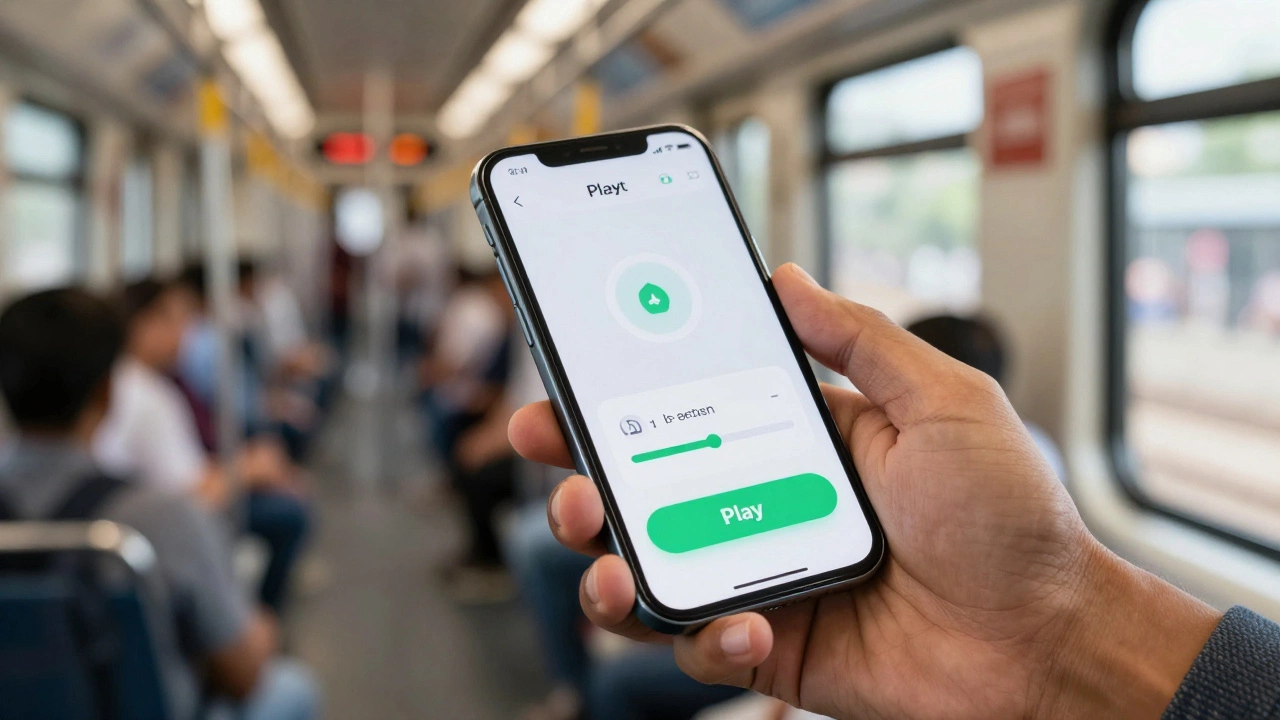
In the UK, where many students access courses via mobile data while commuting on the Tube, bandwidth optimization is critical. Platforms that use adaptive bitrate streaming ensure that the quality adjusts to the user's connection speed without breaking the experience. Think of it like this: you wouldn't build a library out of wet cardboard. Similarly, you cannot build trust on a shaky technical foundation. The best platforms feel invisible-they just work.
- Load Time: Pages should load in under two seconds on 4G networks.
- Uptime: Aim for 99.9% availability so exams aren't interrupted by server crashes.
- Mobile Responsiveness: The interface must look native on phones, not just shrunk-down desktop sites.
User Experience (UX): Frictionless Navigation
Once the site loads, can you find what you need? Cognitive load is the enemy of learning. Every extra click required to start a lesson is a barrier. A superior User Interface (UI) design follows the principle of least astonishment. Buttons do what they say. Menus are predictable. Search functions actually return relevant results.
Consider the journey of a new user. They sign up, verify their email, and land on the dashboard. What do they see? A cluttered homepage with ten different calls to action causes paralysis. A good platform guides them gently: "Start here," "Continue where you left off," or "Recommended for you." This is known as Information Architecture. It organizes content logically so users don't have to think about where things are-they just know.
Also, consider accessibility. A truly good platform is usable by everyone, including those with visual or motor impairments. Compliance with WCAG 2.1 standards isn't just a legal checkbox; it's a moral imperative. Screen readers should navigate the menu structure seamlessly. Contrast ratios should be high enough for readability. When you exclude people due to poor design, you limit the potential of your audience.
Pedagogy Meets Technology: Adaptive Learning
This is where the magic happens. A static website delivers the same content to everyone, regardless of their prior knowledge. That’s inefficient. A modern Learning Management System (LMS) uses data to personalize the experience. This is called Adaptive Learning.
Imagine you’re studying Python programming. You ace the first three quizzes on variables. A smart platform notices this and skips the remedial exercises, moving you straight to functions. Conversely, if you struggle with loops, it detects the pattern and offers additional practice problems or alternative explanations. This dynamic adjustment keeps learners in the "zone of proximal development"-not too easy to bore them, not too hard to frustrate them.
But how does it know? Through analytics. Good platforms track engagement metrics: time spent on task, quiz scores, drop-off points. These insights allow instructors to tweak the curriculum in real-time. If 80% of students fail question four, the question is likely poorly worded or the preceding lesson was unclear. Data-driven iteration is the hallmark of a mature platform.
| Feature | Traditional Platform | Modern Adaptive Platform |
|---|---|---|
| Content Path | Linear (Same for all) | Dynamic (Personalized) |
| Feedback | Delayed (After completion) | Instant (Real-time hints) |
| Pacing | Fixed deadlines | Self-paced with nudges |
| Assessment | Multiple choice only | Code execution, simulations |
Social Interaction: Combating Isolation
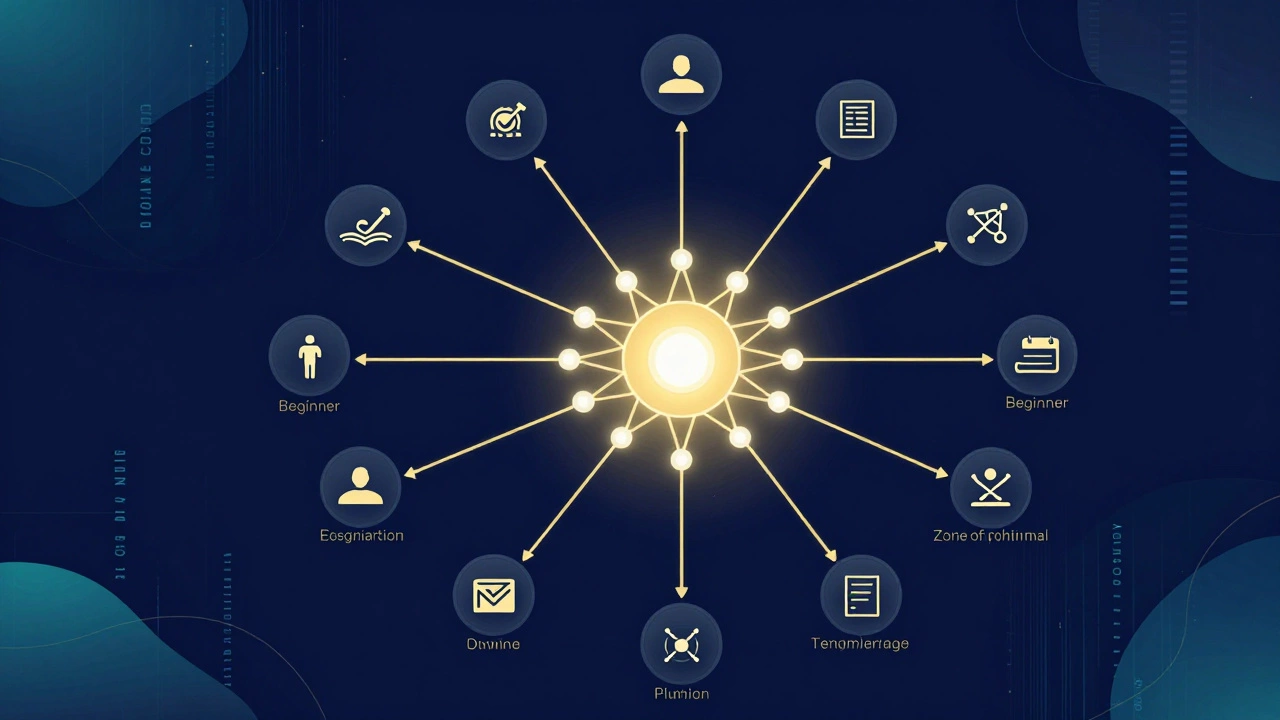
One of the biggest killers of online education is loneliness. Studying alone in your bedroom for hours can feel isolating. A good digital platform fosters community. It doesn't just host forums; it encourages interaction through structured social features.
Look at platforms that integrate Peer-to-Peer Review. Students grade each other's assignments based on rubrics, providing diverse feedback perspectives. Or consider virtual study groups where users can book time slots with classmates who share similar goals. Even simple features like reaction emojis on discussion posts create a sense of presence.
Gamification also plays a role here, but it must be done subtly. Leaderboards can motivate some, but demotivate others. Better approaches include collaborative quests where teams earn badges together. The goal is to shift the mindset from "I am competing against everyone" to "We are growing together." Social proof reduces churn rates significantly because people are less likely to quit when they feel accountable to a group.
Security and Privacy: Trust is Non-Negotiable
In 2026, data privacy is paramount. Users share sensitive information: emails, payment details, and sometimes even biometric data for proctoring. A trustworthy platform handles this with extreme care. Compliance with regulations like GDPR in Europe is mandatory, but true security goes beyond compliance.
End-to-end encryption ensures that private messages between tutors and students remain confidential. Two-factor authentication (2FA) protects accounts from unauthorized access. Moreover, transparent privacy policies explain exactly what data is collected and why. No hidden tracking pixels selling user behavior to advertisers. When users trust the platform with their data, they engage more deeply. Fear of surveillance kills creativity and honest participation.

Integration Capabilities: The Ecosystem Approach
No platform exists in a vacuum. A robust EdTech Integration strategy allows the LMS to connect with other tools. Does it sync with Google Calendar for deadline reminders? Can it export certificates directly to LinkedIn profiles? Does it integrate with Slack or Microsoft Teams for workplace learning?
APIs (Application Programming Interfaces) are the glue that holds these connections together. For corporate trainers, single sign-on (SSO) integration with company directories is essential. For universities, linking with library databases provides seamless access to research materials. A platform that forces users to juggle five different logins creates unnecessary friction. The best systems act as a hub, pulling resources from elsewhere rather than trying to rebuild everything internally.
Conclusion: The Human Element
Ultimately, technology is just a tool. A good digital platform amplifies human potential rather than replacing human connection. It combines rock-solid engineering with empathetic design and sound pedagogy. It anticipates needs before they arise and supports learners when they stumble.
As we move further into 2026, the bar continues to rise. Users expect intuitive interfaces, personalized paths, and secure environments. If you are building or choosing a platform, ask yourself: Does this make learning easier, or does it add complexity? The answer should always be clarity. Because when the technology disappears, only the learning remains.
What is the most important feature of an e-learning platform?
While many features matter, usability is king. If students cannot easily navigate the platform or access content quickly, they will disengage. Speed, intuitive UI, and mobile responsiveness form the critical baseline upon which all other educational features depend.
How does adaptive learning improve outcomes?
Adaptive learning tailors the difficulty and pace of content to individual performance. By preventing boredom for advanced learners and reducing frustration for struggling ones, it keeps users in the optimal learning zone, leading to higher retention rates and faster skill acquisition.
Is gamification necessary for a good platform?
Not strictly necessary, but highly beneficial if implemented correctly. Gamification elements like badges, streaks, and collaborative challenges can boost motivation and reduce isolation. However, they should support learning goals rather than distract from them.
Why is mobile optimization crucial in 2026?
Most learners now access content on smartphones during commutes or breaks. A platform that isn't fully responsive on mobile devices excludes a massive portion of its audience. Mobile-first design ensures accessibility anywhere, anytime, fitting learning into busy lifestyles.
How do I know if a platform respects my privacy?
Look for clear privacy policies, GDPR compliance statements, and features like two-factor authentication. Reputable platforms explicitly state how data is used and offer controls over personal information. Avoid platforms that require excessive permissions or sell data to third parties.