
eLearning Readiness Calculator
How Ready Are You for eLearning?
Assess your current setup before starting a course. This tool identifies your strengths and shows exactly what to improve for success.
Next Steps:
- Watch the first video 10 min
- Take 3 notes 5 min
- Sign up for one course 2 min
Think back to the last time you tried to learn something new online. Maybe it was a coding course, a language app, or a certification program. You signed up, clicked through a few videos, and then... nothing. You didn’t finish. You weren’t alone. Most people who start an online course never complete it. Why? It’s not because they’re lazy. It’s because they didn’t have the right setup. eLearning isn’t just about logging into a platform. It’s about building a system that actually works for you.
Hardware You Actually Need
You don’t need the latest MacBook Pro or a 4K monitor. What you need is a device that can play videos without freezing and connect to the internet reliably. For most learners, that’s a laptop from the last five years, or even a mid-range tablet with a keyboard. If you’re using a phone, you’ll struggle with reading assignments, taking notes, or submitting assignments. Most eLearning platforms aren’t built for tiny screens. A stable internet connection matters more than speed. If your Wi-Fi drops every 20 minutes, you’ll lose progress, miss deadlines, and get frustrated. A wired connection is better than Wi-Fi if you can use one. If you’re in an area with poor signal, consider a mobile hotspot with unlimited data. Some local libraries and community centers offer free Wi-Fi - use them if you need to.
Software and Tools That Make a Difference
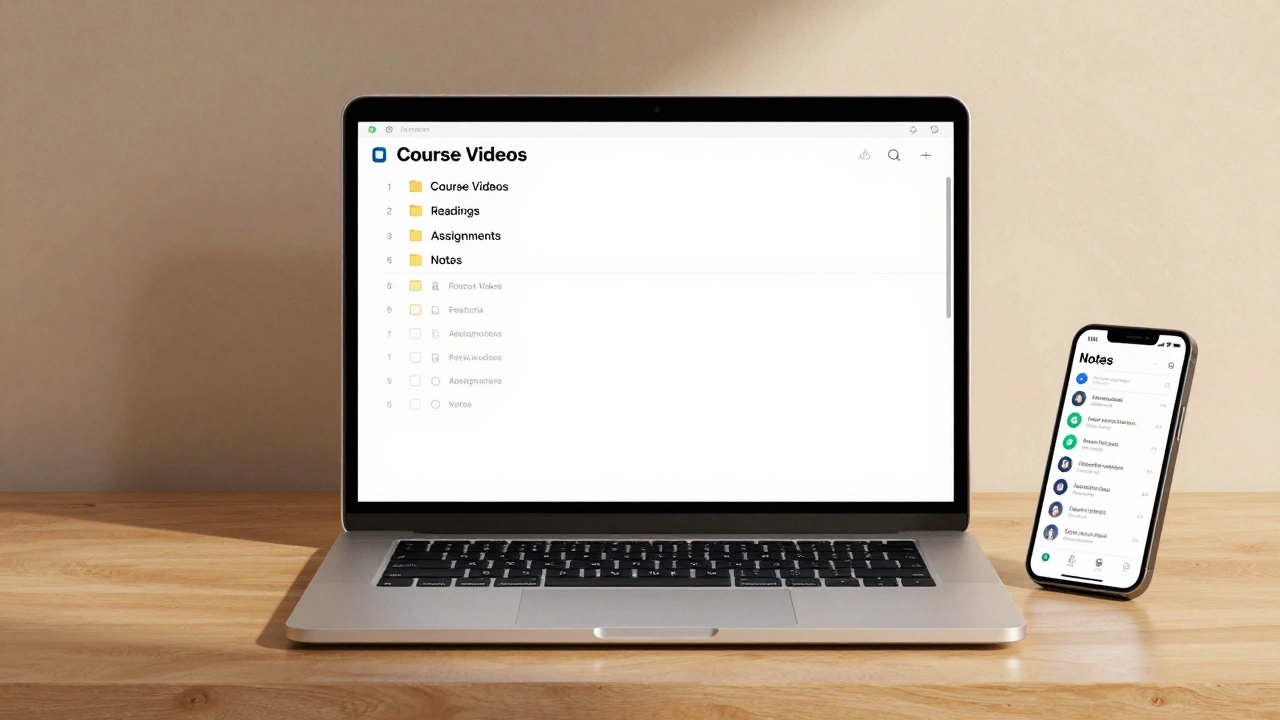
Most platforms like Coursera, Udemy, or edX work in any modern browser. Chrome or Firefox are your safest bets. You don’t need special software - unless the course asks for it. A coding course might need Python or Visual Studio Code. A design course might need Figma or Adobe Illustrator. Don’t install tools you don’t need. Stick to what the course requires. For note-taking, OneNote or Notion are free and work across devices. Google Docs is fine too. Avoid using paper notebooks if you’re doing a long course. You’ll lose track of your notes. Use a digital folder structure: one folder per course, with subfolders for videos, readings, assignments, and your notes. Keep it simple. You’ll thank yourself later.
The Platform Isn’t Everything
There are hundreds of eLearning platforms. But the platform doesn’t make the difference - your habits do. A good platform gives you video lessons, quizzes, discussion boards, and progress tracking. That’s it. What you do with those features matters more. If you watch a video and don’t pause to take notes, you’re wasting your time. If you skip the quizzes because they’re "not graded," you’re missing feedback. If you never join the discussion forum, you’re missing the chance to ask questions and learn from others. The best platform in the world won’t help if you treat it like TV. Treat it like a class: show up, participate, and review what you learned.
Time Management Is the Real Key
Most people fail at eLearning because they think they can fit it in between other things. You can’t. You have to schedule it. Block out 30 to 60 minutes, three to five times a week. Put it in your calendar like a doctor’s appointment. Don’t wait for "free time." That time doesn’t exist. If you’re working full-time or raising kids, start with 20 minutes a day. Consistency beats intensity. One hour a week is better than five hours once a month. Use a timer. When it goes off, stop. Don’t push through if you’re tired. Burnout kills progress faster than lack of time.
What You Need to Do Before You Start
Before you sign up for any course, ask yourself three questions:
- What do I want to be able to do after this course? (Not "get a certificate," but "build a website," "pass the PMP exam," "translate medical documents")
- Is this course designed for someone at my level? (Check the prerequisites. If it says "basic programming knowledge," and you’ve never written code, look for a beginner version.)
- Will I use this skill in the next six months? (If the answer is no, wait. Don’t learn something just because it’s trendy.)
Many people sign up for courses because they feel pressured - by social media, job ads, or friends. That’s how you end up with 17 unfinished courses on your dashboard. Pick one. Focus on it. Finish it. Then move to the next.
Support Systems You Can’t Ignore
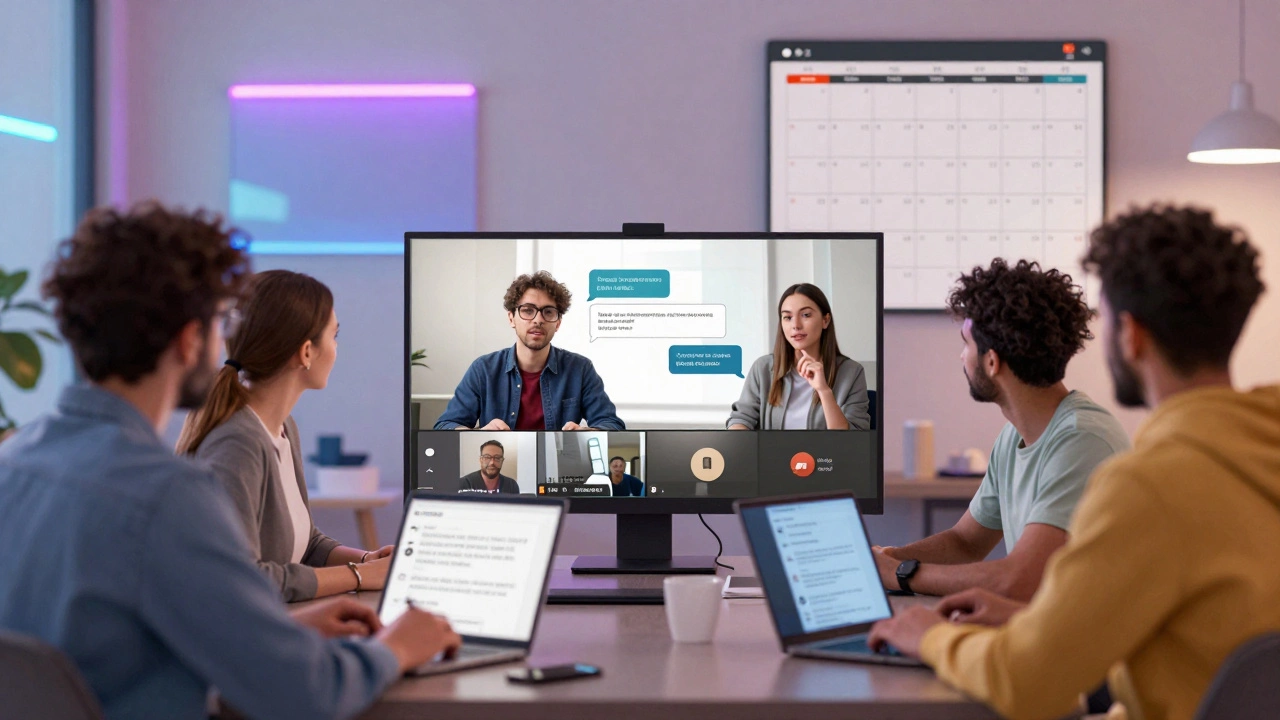
Learning alone is hard. You need support. That doesn’t mean hiring a tutor. It means finding people who are doing the same thing. Join a study group on Reddit, Discord, or Facebook. Look for local meetups - even if they’re virtual. Talk about what you’re learning. Explain it to someone else. That’s how you lock it in. If you’re stuck on a concept, don’t sit there for hours. Post a question. Most online communities are friendly. People want to help. If you’re learning a language, find a language partner. Swap 15 minutes of practice every week. You’ll improve faster than any app can teach you.
What to Avoid
Don’t buy every course that promises "life-changing results." Most are overpriced and under-deliver. Stick to trusted platforms with clear reviews. Avoid courses that don’t show who teaches them. If the instructor’s name, background, or experience isn’t listed, walk away. Don’t chase certifications from unknown providers. Employers care about skills, not paper. A Google Certificate or a Coursera credential from a university means something. A random badge from a site you’ve never heard of? Not so much.
Don’t wait for the perfect setup. You don’t need a quiet room, a new laptop, or a subscription to ten platforms. Start with what you have. Use your phone to watch a video on your commute. Take notes on your laptop during lunch. Review flashcards on your way home. Small actions, done daily, add up.
Real Progress Comes From Doing, Not Watching
Here’s the truth: watching 10 hours of videos won’t make you skilled. Doing one project will. If the course has a final assignment - do it. Even if it’s optional. Build the app. Write the essay. Record the presentation. Submit it. That’s where real learning happens. The moment you apply what you’ve learned, it stops being theory. It becomes part of you. That’s the difference between someone who "took a course" and someone who actually learned something.
Do I need a degree to succeed in eLearning?
No. Most eLearning is designed for skill-building, not academic credit. Employers care more about what you can do than what degree you hold. Certifications from platforms like Coursera, LinkedIn Learning, or freeCodeCamp are widely accepted in tech, marketing, and design fields. If you’re aiming for regulated professions like medicine or law, you’ll still need formal credentials - but even then, eLearning can help you prepare.
Can I learn effectively on my phone?
You can watch videos and review flashcards on your phone, but it’s not ideal for deep learning. Typing essays, coding, or working with spreadsheets is slow and frustrating on a small screen. Use your phone for quick reviews, listening to podcasts, or watching short lessons. For anything that requires focus or interaction, switch to a tablet or laptop.
Are free courses worth it?
Yes - if they’re from reputable sources. Platforms like MIT OpenCourseWare, Khan Academy, and YouTube channels from universities offer high-quality content for free. The difference between free and paid courses is usually support, feedback, and certification. If you’re learning for personal growth, free is fine. If you need a credential for your resume, pay for the verified version.
How do I stay motivated when I’m not seeing results?
Track small wins. Did you finish one video? Write it down. Did you solve a problem you couldn’t before? Celebrate it. Progress isn’t always obvious. Learning a new skill is like planting a tree - you don’t see growth every day, but it’s happening. Set weekly goals, not monthly ones. And don’t compare your start to someone else’s middle. Everyone learns at their own pace.
What if I fall behind in a course?
Most eLearning platforms let you go at your own pace. If you miss a week, just pick up where you left off. Don’t delete the course or feel guilty. Life happens. The goal isn’t to finish fast - it’s to finish. Even if it takes you six months instead of six weeks, you still learned. That’s what counts.
Next Steps: Start Today
Don’t wait for the perfect time. You don’t need more money, more gadgets, or more motivation. You need one thing: a plan. Pick one skill you want to learn. Find one course that matches your level. Block out 30 minutes tomorrow. Open the platform. Watch the first video. Take one note. That’s it. You’ve started. The rest will follow.