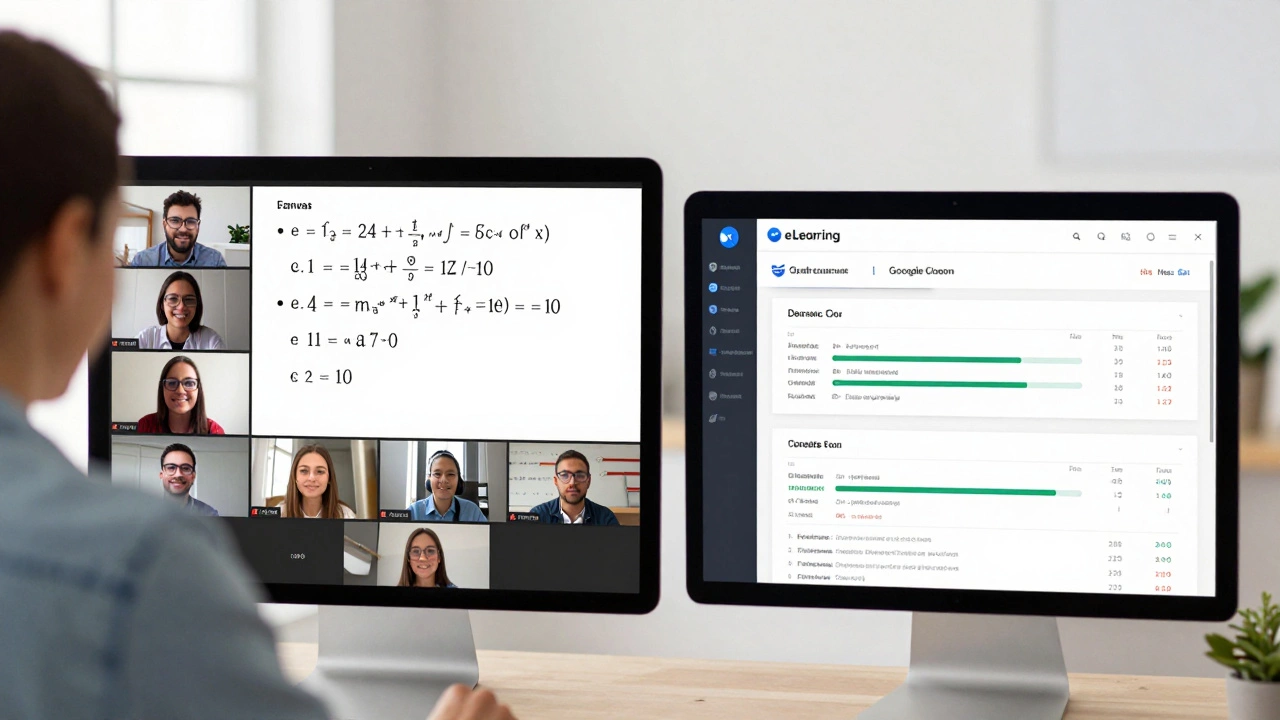
People often ask if Zoom is an eLearning platform. The short answer? No. But it’s the engine behind most of them. Zoom doesn’t teach you math or history. It doesn’t host quizzes, track progress, or give certificates. What it does is deliver the classroom experience-live, clear, and real-time-to anyone with an internet connection.
What Exactly Is an eLearning Platform?
An eLearning platform is a complete system built for teaching and learning online. Think of it like a digital school campus. It includes course content, assignments, discussion boards, grading tools, progress dashboards, and often AI-driven recommendations. Platforms like Coursera, Udemy, and Canvas are built from the ground up to manage the entire learning journey.
They store videos, quizzes, reading materials, and discussion threads in one place. Students log in, pick a course, complete modules, submit assignments, and get feedback-all within the same system. Teachers can see who’s falling behind, automate reminders, and generate reports. These platforms are designed for structure, scalability, and long-term engagement.
What Zoom Actually Does
Zoom is a video conferencing tool. It’s like a phone call with video. You can talk, share your screen, raise your hand, break into small groups, and record sessions. That’s it. No built-in assignments. No gradebook. No course library. No progress tracking.
But here’s why so many schools and universities use Zoom: it’s reliable, easy to use, and works on almost any device. When the pandemic hit in 2020, schools scrambled to move classes online. Zoom became the go-to because it didn’t require training. Teachers didn’t need to learn a new system-they just clicked a link.
Today, universities still use Zoom for live lectures. Language tutors use it for one-on-one sessions. Corporate trainers use it for onboarding. But they’re always pairing it with something else-like Google Classroom, Moodle, or Blackboard-to handle the actual learning tasks.
Why People Confuse Zoom With eLearning
The confusion comes from how we use Zoom. If you’re taking a live Spanish class over Zoom every Monday, it feels like an eLearning experience. But the learning isn’t happening inside Zoom. It’s happening because your teacher is presenting, explaining, and interacting. Zoom is just the window.
Think of it like a TV. Watching a documentary on Netflix isn’t the same as using a learning platform. Netflix gives you content. A learning platform gives you content + interaction + feedback + structure. Zoom is more like the TV remote than the Netflix app.
Many people also assume Zoom has features like breakout rooms or polls and think that makes it an eLearning tool. But those are just communication features. They help with engagement, but they don’t replace course management systems.

Zoom + eLearning Platforms: The Real Combo
The most effective online learning setups combine Zoom with a true eLearning platform. Here’s how it works:
- Zoom handles live interaction: lectures, Q&A, group discussions.
- eLearning platform handles everything else: assignments, readings, quizzes, due dates, grades, feedback.
For example, a university might:
- Post weekly readings and videos on Canvas.
- Schedule live Zoom sessions for lectures and group work.
- Use Zoom recordings to let students review missed classes.
- Assign quizzes and essays through Canvas.
- Track attendance and grades automatically in the platform.
This combo gives you the human connection of live teaching and the structure of digital learning. Neither works as well alone.
When Zoom Alone Isn’t Enough
Using Zoom by itself for learning leads to problems:
- No record of progress: Who completed the assignment? Who didn’t watch the recording? Zoom doesn’t tell you.
- No assessments: You can’t give a quiz inside Zoom without using a third-party tool.
- Lost content: If a student misses a live class, they get a recording-but no notes, no summaries, no links to related materials.
- Scattered communication: Students might get reminders via email, Slack, or text. Nothing is centralized.
One high school teacher in Texas tried teaching an entire semester using only Zoom. Students missed deadlines, couldn’t find assignments, and got confused about what was due. She switched to Google Classroom + Zoom in the next term. Student completion rates jumped from 52% to 89%.
What Zoom Offers for Education (That’s Actually Useful)
Zoom isn’t useless for education. It’s just not the whole system. Here’s what it does well:
- Live interaction: Real-time Q&A, instant feedback, and student engagement.
- Screen sharing: Perfect for demonstrating software, solving math problems, or showing presentations.
- Breakout rooms: Lets teachers split students into small groups for discussions or projects.
- Recording: Lets students revisit lessons-especially helpful for non-native speakers or those with learning differences.
- Integration: Zoom works with Google Calendar, Microsoft Teams, and many LMS platforms to streamline scheduling.
These features make Zoom a powerful tool-but only when paired with something that manages the learning itself.
Alternatives to Zoom for Live Learning
Zoom isn’t the only option. Other video tools are used in education too:
| Tool | Best For | Limitations |
|---|---|---|
| Zoom | Large classes, breakout rooms, recording | No built-in course management |
| Google Meet | Google Workspace users, simple setup | Only 60-minute limit on free plan |
| Microsoft Teams | Schools using Office 365, integrates with OneNote | Can feel cluttered for new users |
| BigBlueButton | Open-source LMS integrations (Moodle, Canvas) | Less polished UI, fewer features |
Each has strengths, but none replaces a full eLearning platform. They’re all delivery channels, not learning ecosystems.
What You Should Do If You’re Using Zoom for Learning
If you’re a teacher or student relying only on Zoom, here’s how to fix it:
- Use a free LMS like Google Classroom or Moodle to post assignments and materials.
- Link your Zoom meeting invites directly in the LMS so everything is in one place.
- Upload Zoom recordings to the LMS so students can review later.
- Use the LMS to track who’s participating and who’s falling behind.
- Don’t rely on chat or email for deadlines-use calendar reminders and automated alerts in the platform.
This simple change turns Zoom from a temporary fix into a sustainable learning system.
Final Answer: Is Zoom an eLearning Platform?
No. Zoom is a video meeting tool. eLearning platforms are complete systems for teaching and learning. But Zoom is one of the most important pieces of the puzzle. It brings the human element to online education-something no quiz or video can replace.
The future of learning isn’t Zoom or eLearning platforms. It’s Zoom with eLearning platforms. Use them together, and you get the best of both worlds: connection and structure.
Can you use Zoom for online courses?
Yes, you can use Zoom to deliver live lessons for online courses, but it’s not enough on its own. You need a learning platform like Canvas or Google Classroom to host materials, track progress, assign work, and grade students. Zoom handles the live interaction; the platform handles the rest.
Does Zoom have a built-in course library?
No, Zoom does not have a course library. You can’t upload lessons, quizzes, or reading materials directly into Zoom. It’s designed for live video meetings, not content storage or management. For that, you need an eLearning platform like Udemy, Coursera, or Moodle.
Is Zoom better than Moodle for teaching?
It depends on what you need. Zoom is better for live interaction, discussions, and real-time teaching. Moodle is better for managing assignments, tracking student progress, hosting quizzes, and organizing course content. Most schools use both: Moodle for structure and Zoom for live sessions.
Can students access Zoom recordings after class?
Yes, if the instructor records the session and shares the link. But Zoom doesn’t automatically organize or label recordings. Without a learning platform, students might struggle to find past sessions. Uploading recordings to Google Classroom or Canvas makes them easier to access and review.
Why do schools still use Zoom if it’s not an eLearning platform?
Because it’s simple, reliable, and works on any device. Teachers don’t need training to use it. Students don’t need accounts. It’s fast to set up. While it lacks learning features, its ease of use makes it the go-to tool for live teaching-even when paired with a full eLearning system.