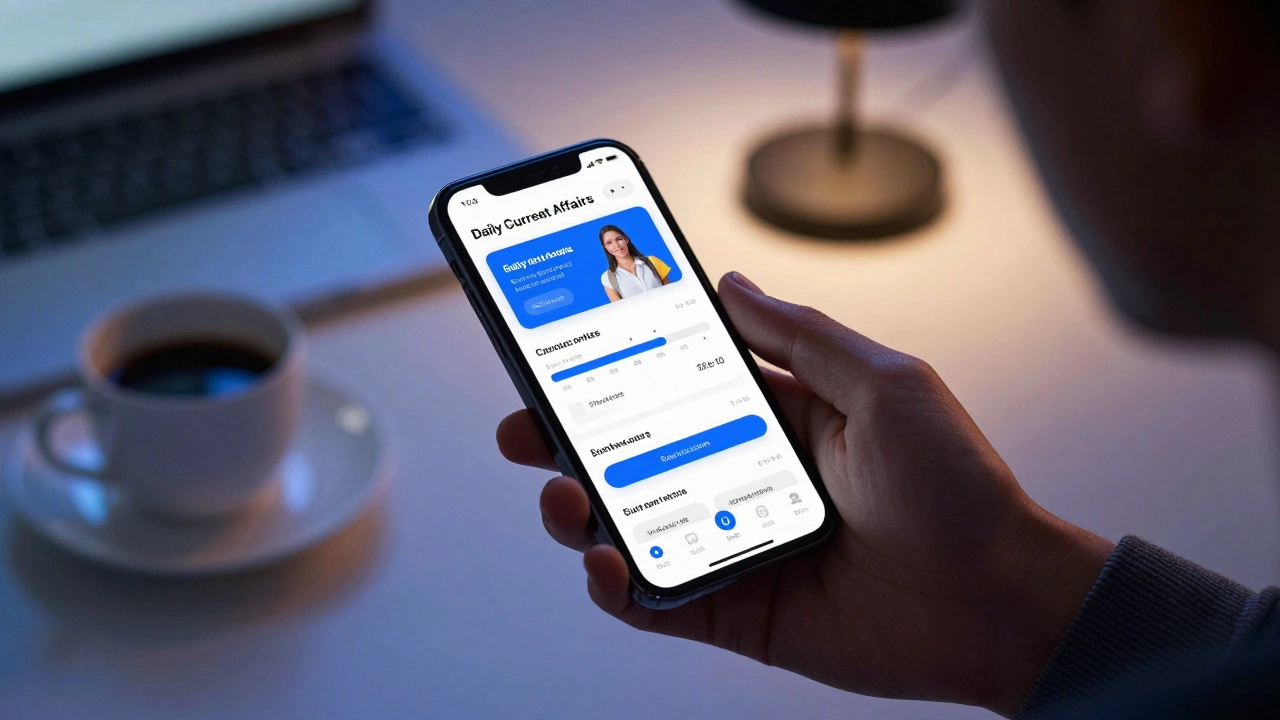
Study App Strategy Finder
Fill in the details to generate your personalized study app strategy.
Your Recommended Setup
Quick Summary: Choosing Your Tool
- For Government/Civil Services: Focus on apps with comprehensive current affairs updates and regional language support.
- For STEM (Engineering/Medical): Prioritize apps with high-quality 3D visualizations and an extensive question bank for physics and chemistry.
- For General Aptitude: Use tools that emphasize speed-drills and timed mock tests.
- For Discipline: Pair your study app with a focused productivity tool to avoid the distraction of social media.
The Blueprint for a Winning Study App
Before you hit the 'Install' button, you need to know what actually moves the needle. A fancy interface doesn't equal a high score. You want an app that handles the three pillars of prep: content delivery, practice, and analysis.
Content delivery should be bite-sized. If an app just gives you a 3-hour PDF, it's not an app; it's a digital filing cabinet. Look for Micro-learning, which breaks complex topics into 10-15 minute modules. This prevents cognitive overload and fits into a busy schedule, like studying during a commute.
Practice is where most students fail. You don't need 10,000 generic questions; you need 500 questions that specifically target your weaknesses. This is where Adaptive Learning comes in. This technology uses algorithms to identify which topics you consistently miss and feeds you more of those specific problems until you master them.
Analysis is the final piece. If an app tells you that you scored 60%, it's useless. It should tell you that you spent 4 minutes on a question that should have taken 45 seconds, or that you consistently fail at 'Organic Chemistry' but ace 'Thermodynamics'. This granular data allows you to stop studying what you already know.
Comparing Top App Categories for 2026
Depending on your goal, the requirements for your competitive exam apps will shift. Here is how the leading options stack up based on functionality.
| Feature | Live Coaching Apps | Self-Paced Platforms | Question Bank Apps |
|---|---|---|---|
| Interaction | High (Real-time Q&A) | Low (Pre-recorded) | None (Solo practice) |
| Cost | Expensive / Subscription | Moderate / One-time | Low / Freemium |
| Pace | Fixed by Teacher | Flexible | Instant |
| Best For | Concept Building | Revision & Basics | Final Polish/Sprints |
Top Picks for Specific Exam Paths
Let's get concrete. If you are targeting different streams, your toolkit should look different.
Government and Civil Service Exams
For these, you need a massive amount of static knowledge and a daily pulse on the world. Apps like Unacademy or BYJU'S often dominate here because they offer regional language support, which is critical for state-level exams. Focus on apps that integrate a daily "Current Affairs" feed. If the app doesn't update its news section daily, delete it.
Engineering and Medical Entrances
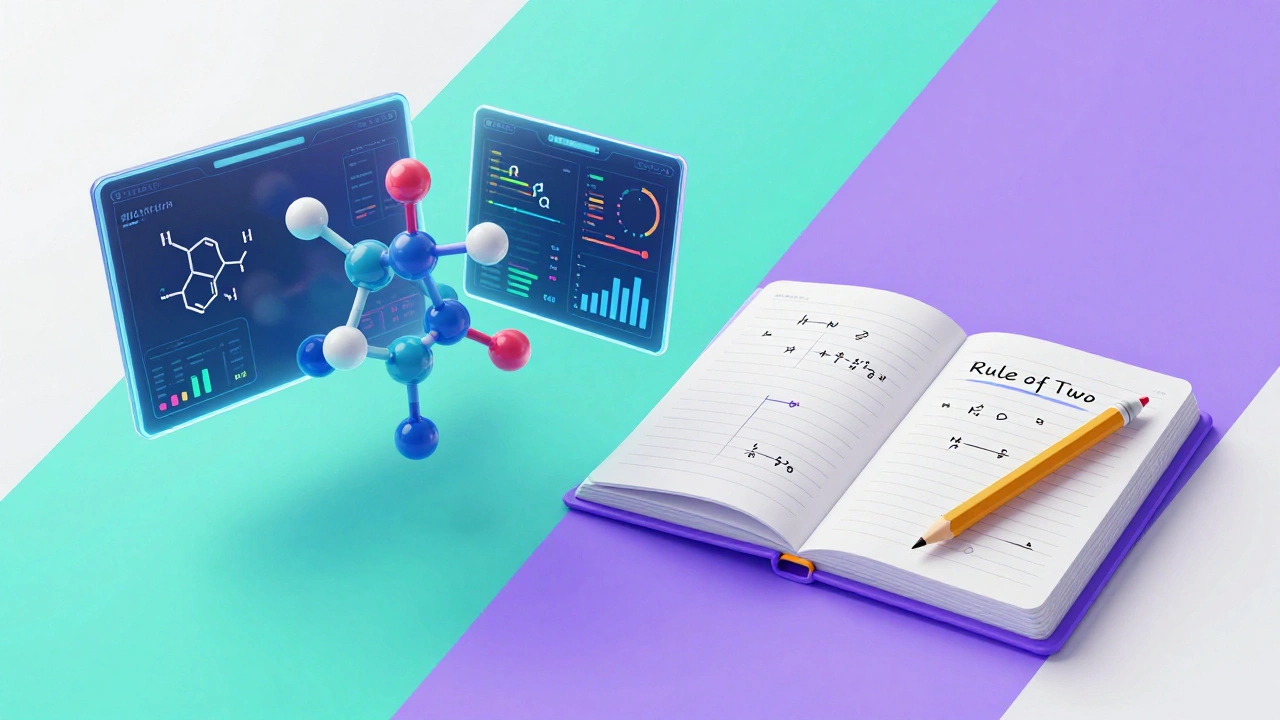
STEM exams require a deep dive into conceptual logic. Look for apps that provide interactive simulations. For instance, seeing a 3D model of a molecule is far more effective than staring at a 2D drawing in a textbook. Ensure the app has a dedicated section for Previous Year Questions (PYQ). Solving the last ten years of papers is the most reliable way to predict the current exam's pattern.
Language and Aptitude Tests (GRE, GMAT, IELTS)
These are less about knowledge and more about skill and speed. Apps like Magoosh are gold standards here because they focus on strategy-teaching you how to eliminate wrong answers rather than just finding the right one. You need a tool that includes a high-fidelity timer to simulate the pressure of the actual test center.
The Trap of "App-Overload"
There is a psychological phenomenon where downloading a new app makes you feel like you've already made progress. It's a form of productive procrastination. You spend three hours organizing your digital folders and color-coding your schedules, but you haven't solved a single math problem.
To avoid this, follow the "Rule of Two": One app for learning (video/theory) and one app for testing (MCQs/Mocks). Anything more than that creates friction. Switching between four different apps to find one formula wastes mental energy that should be spent on memorization.

Common Pitfalls and How to Avoid Them
Many students treat study apps like social media-they passively consume content. Watching a lecture on Quantum Mechanics is not the same as learning it. If you're just watching videos, you're experiencing an "illusion of competence." You feel like you understand it because the teacher makes it look easy.
To break this, use the Feynman Technique within your app usage. After watching a video, close the app and try to write down the concept in simple terms on a piece of paper. If you can't, go back and re-watch the specific part you missed. This active recall is the only way to ensure the information sticks.
Another common mistake is ignoring the "Review" phase. Most apps have a "Wrong Answers" or "Bookmarks" folder. Most students never open it. The gold mine is not in the questions you got right, but in the ones you got wrong. Make it a rule to clear your "Wrong Answer" folder every Sunday before starting the new week's material.
Integrating Apps into a Physical Study Plan
Digital tools are great, but the actual exam is often still on paper or a rigid computer terminal. If you spend 100% of your time on a smartphone, you'll struggle with the physical stamina required for a 3-hour written test. Your wrist will tire, and your focus will waver.
Balance your digital prep with analog execution. Use the app to learn the concept, but use a physical notebook to solve the problems. This builds muscle memory and improves your handwriting speed, which is often the hidden bottleneck in descriptive exams.
Can I prepare for a competitive exam using only free apps?
Yes, but it requires more discipline. Free versions of apps often provide the basic content but lock the "Analytics" and "Full-Length Mock Tests" behind a paywall. You can use YouTube for concepts and free PDF banks for practice, but you'll have to manually track your progress in a spreadsheet since you won't have the AI-driven insights of a paid version.
How do I prevent phone distractions while using a study app?
Use a "Focus Mode" or apps like Forest that lock other applications. The biggest danger is a notification from Instagram popping up while you're in the middle of a complex physics problem. Set your study app as a priority and silence all other social notifications during your deep-work blocks.
Are AI-generated mock tests reliable?
They are good for practice but shouldn't be your only source. AI can sometimes create questions that are logically sound but don't match the specific "flavor" or nuance of the actual examining body. Always prioritize Official Previous Year Questions (PYQs) over AI-generated ones to understand the real exam pattern.
How many hours a day should I spend on these apps?
Limit app usage to 3-4 hours for learning and testing. Spend the rest of your study time on active problem solving in notebooks. Too much screen time leads to digital fatigue, which reduces your ability to concentrate during the actual exam.
Which is better: a Live class app or recorded videos?
Live classes are better for those who struggle with procrastination and need the pressure of a schedule. Recorded videos are superior for those who want to learn at their own pace, skip what they already know, and re-watch difficult sections multiple times.
Next Steps for Your Digital Setup
If you're just starting, don't buy a yearly subscription immediately. Most of these platforms offer a 7-day free trial or a few free modules. Spend one week testing three different apps. Check the loading speed, the clarity of the audio, and whether the UI feels intuitive.
Once you pick your main tool, set up a "Digital Study Zone." This means removing all non-essential apps from your home screen and putting your prep apps in a dedicated folder. Your phone should feel like a textbook when you open it, not a toy.